

Onivaco

Onivaco

Cosmetics

Cosmetics store management software

Onivaco helps cosmetics stores sell at the right price for each customer group, remember customers by advisor, see stock, and export sales and receivables reports instead of Excel.

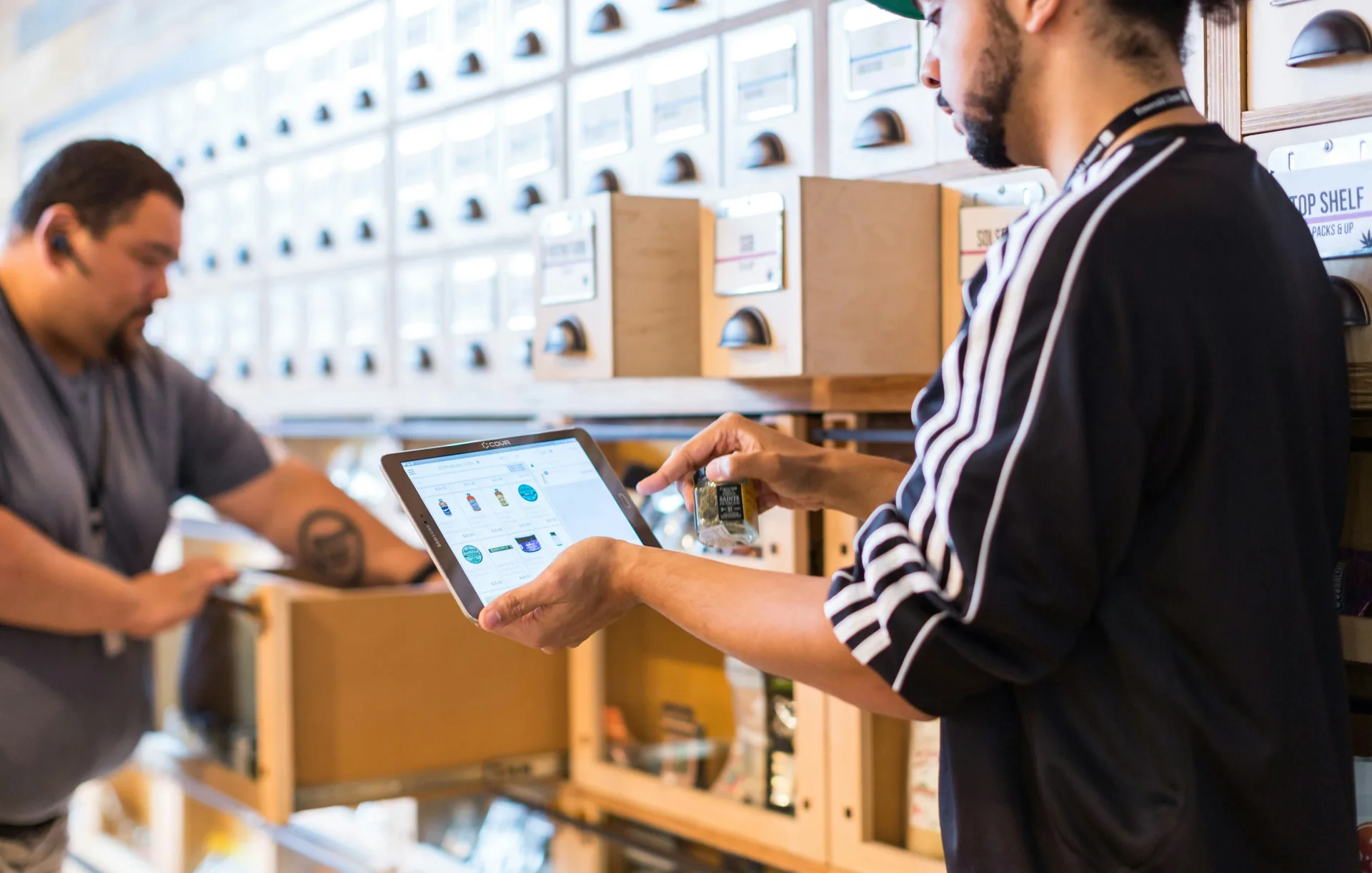
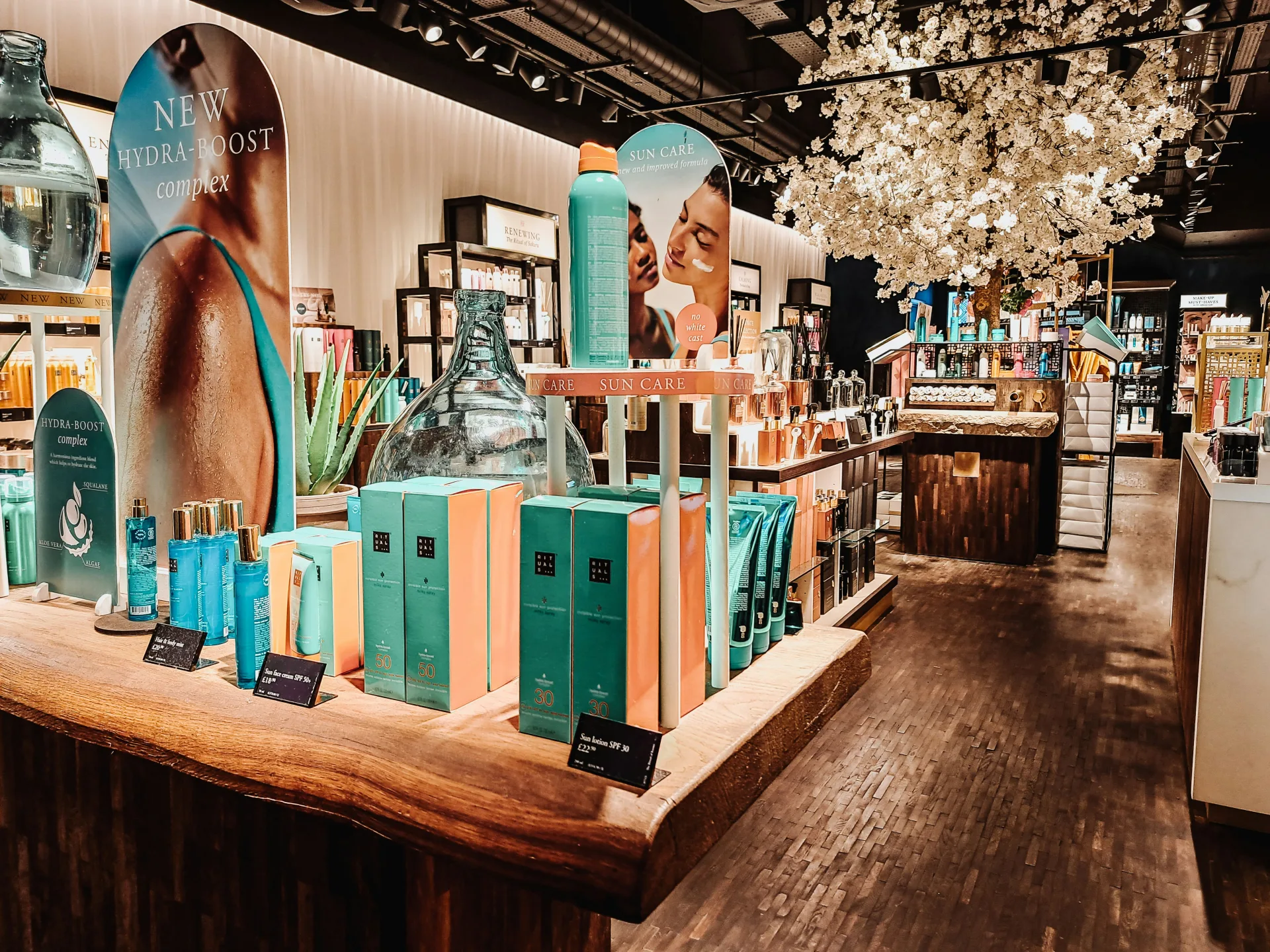
Cosmetics store with POS

Who it is for

Cosmetics shops and small chains

Onivaco is retail management software for cosmetics stores. You sell at the counter, use price lists by customer group, assign customers to care staff, see stock, and export sales and receivables reports. Facebook, Zalo, WhatsApp, TikTok, Shopee plus e-invoice and digital signature is coming soon.

You sell many brands, advise and collect at the same counter. You have members, walk-in customers, and sometimes wholesale. You need to know who is caring for the customer and which line sells.

Cosmetics store

Common problems

What cosmetics stores run into when they still use Excel and a notebook.

Problem · 01

Excel cannot say which serum sells, or who still owes

A pretty shelf does not mean it sells. Spa or wholesale receivables written by hand go off at month-end.

Excel cannot say which serum sells, or who still owes

Onivaco solution

Sales reports, receivables, revenue charts

You see weekly bestsellers, export sales and receivables reports, and view revenue charts by store. Order from numbers, not from a feeling.

  1. 1 Sell everything on POS.
  2. 2 At end of week, review hot items and receivables.
  3. 3 Export a file when you work with a brand or accounting.

See reports →
Sales reports, receivables, revenue charts

Problem · 02

No member or wholesale price list

Members still get the shelf price. Staff remember how much to take off, so each person does it differently.

No member or wholesale price list

Onivaco solution

Price lists by customer group

Walk-in, member, and wholesale groups each have a price list. Pick the customer on the order to get the right price. Change member policy on the price list — do not brief it by mouth.

  1. 1 Create a member group.
  2. 2 Put the customer in the group when you issue a card.
  3. 3 At sale, pick the customer to get the member price.
See POS →
Price lists by customer group

Problem · 03

Shelf stock is off; you do not know which warehouse still has it

Brand goods go on the shelf first; Excel is added later. Two stores ask each other for stock in chat.

Shelf stock is off; you do not know which warehouse still has it

Onivaco solution

Several warehouses, inbound slips, stock by store

Inbound uses a slip; sales deduct stock at the right store. Store-to-store moves use a slip. You know which pack size is left before you promise a customer.

  1. 1 Brand goods arrive: inbound slip.
  2. 2 Sell at the store you are standing in.
  3. 3 Move goods between shops on a slip.
See warehouses →
Several warehouses, inbound slips, stock by store

Problem · 04

You do not know which staff member is caring for the customer

After advice, someone else greets them next time and cannot see which serum they used. Commission and care overlap.

You do not know which staff member is caring for the customer

Onivaco solution

CRM by care staff at purchase

The customer record has assigned staff and purchase history. The sales order records who sold. You know who is caring for the customer and what they already bought.

  1. 1 Save the customer at advice or payment.
  2. 2 Assign care staff.
  3. 3 Open history before you suggest a new line.
See customers →
CRM by care staff at purchase

What Onivaco already supports for cosmetics stores

  • POS for many product lines

    Find the right brand and pack size.

  • Price lists by customer group

    Walk-in, member, and wholesale do not mix.

  • CRM for advisors

    Customers, purchase history, assigned staff.

  • Warehouses and inbound slips

    Stock per store, transfers with a document.

  • Reports

    Bestsellers, receivables, revenue charts.

  • Several stores

    Report each shop or the whole chain.

Coming soon

Coming soon: omnichannel sales, e-invoice, digital signature

Cosmetics stores often close orders on Facebook, Zalo, Shopee, TikTok. Onivaco is adding those channels plus WhatsApp, e-invoice, and digital signature. Not open yet. When they launch, online orders land in the same counter and warehouse.

  • Facebook, Zalo, WhatsApp

    Message orders into Onivaco — in progress.

  • TikTok and Shopee

    Marketplace orders match shop stock — in progress.

  • E-invoice and digital signature

    Issue e-invoices and sign digitally — in progress.

Read more

Is the cosmetics shop still caring for customers in Excel? Send how many stores you have — we will advise Onivaco.