
Onivaco

Onivaco

Grocery

Grocery and mini-supermarket management software

Onivaco helps grocery stores sell fast at the counter, use the right price, keep stock by warehouse, and close sales and receivables reports instead of Excel at end of day.

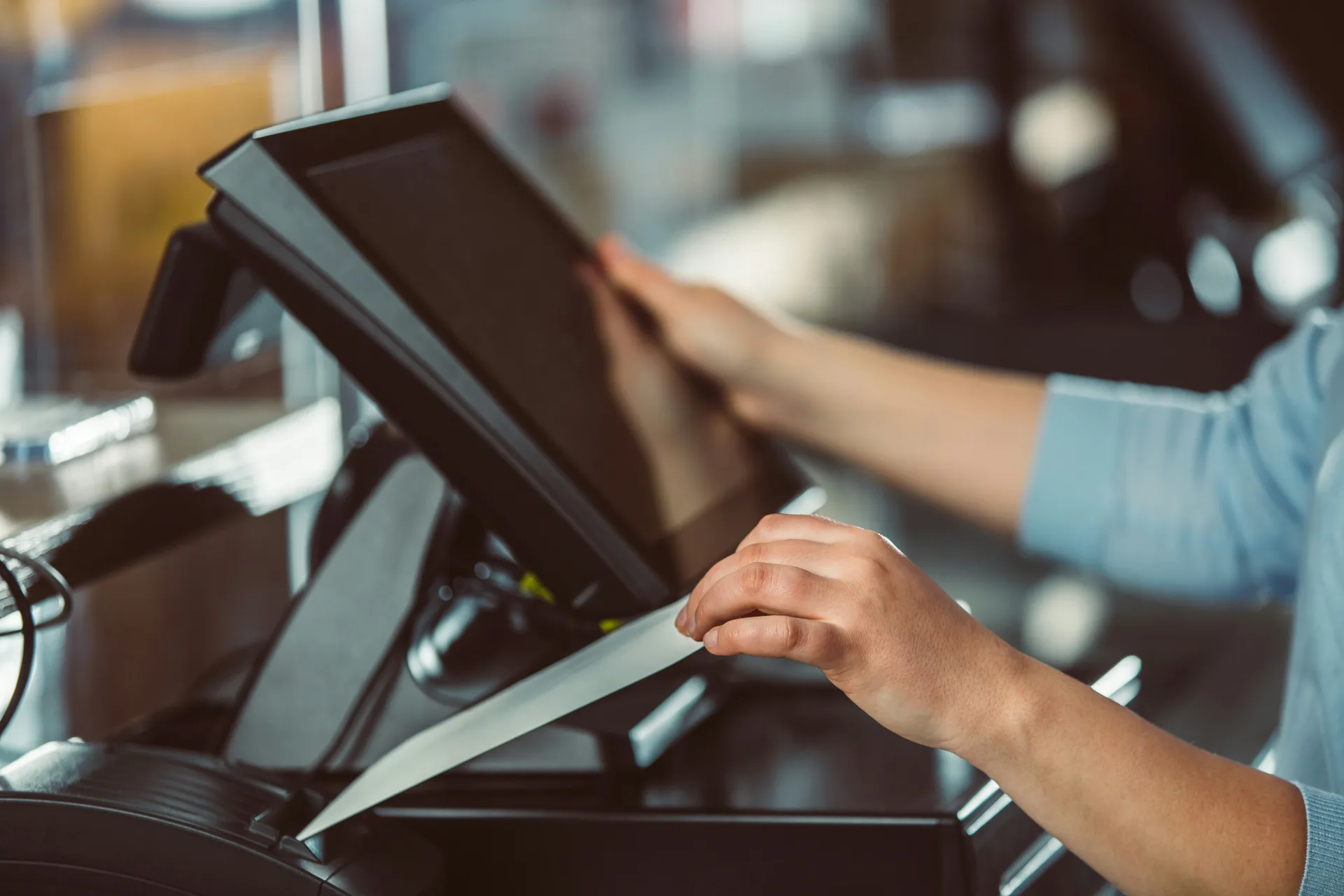
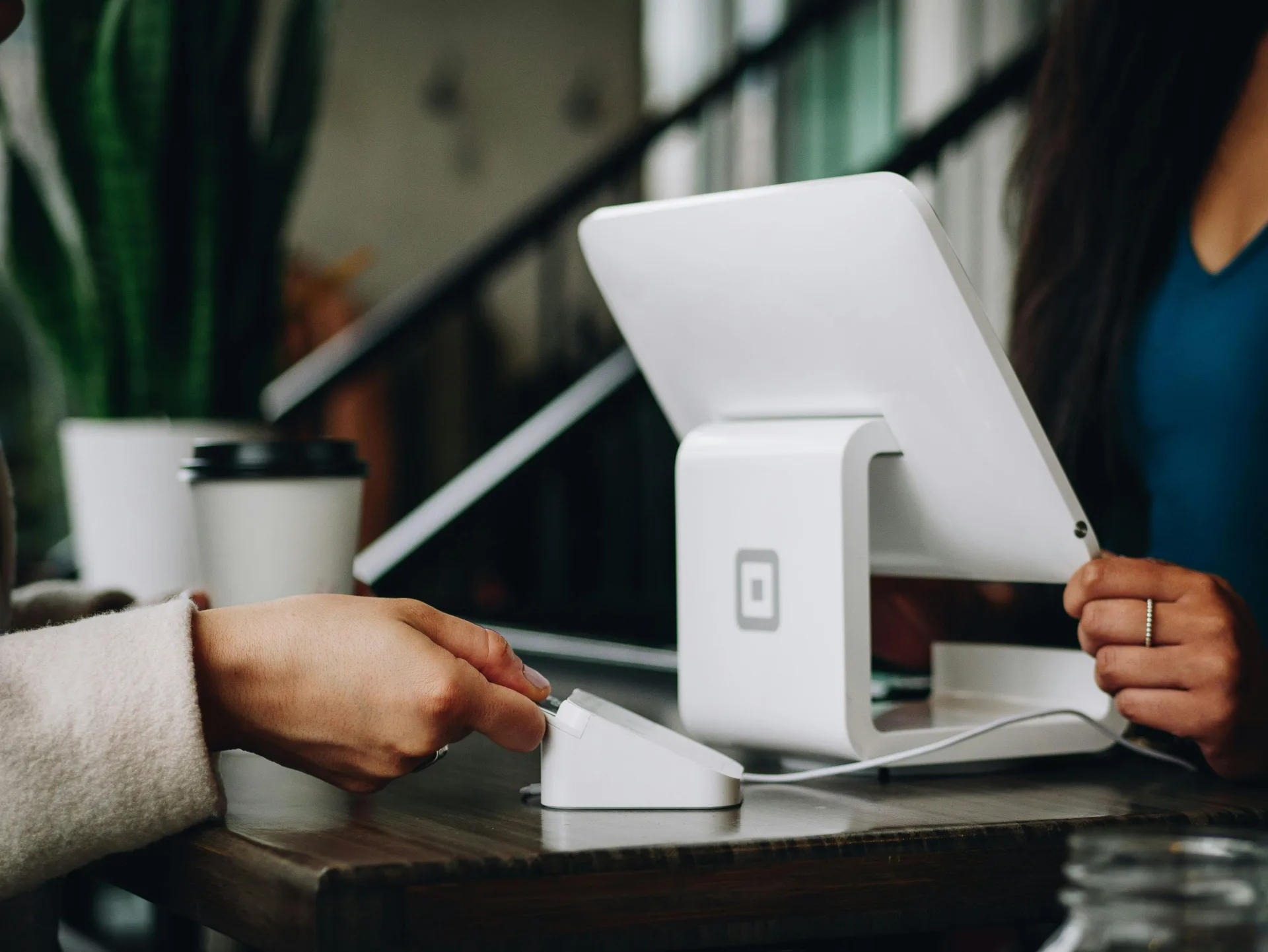
Grocery counter with POS

Who it is for

Grocery, convenience, and mini-supermarkets

Onivaco is retail management software for grocery stores and mini-supermarkets. You scan a barcode or search a name to sell, use price lists by customer group, see stock by warehouse, record regular-customer credit, and export sales reports. Selling on Facebook, Zalo, WhatsApp, TikTok, Shopee plus e-invoice and digital signature is coming soon.

You work the shift or hire cashiers. Many small items. Regulars often buy on credit. At end of day you need to know how much you sold and whether the drawer matches.

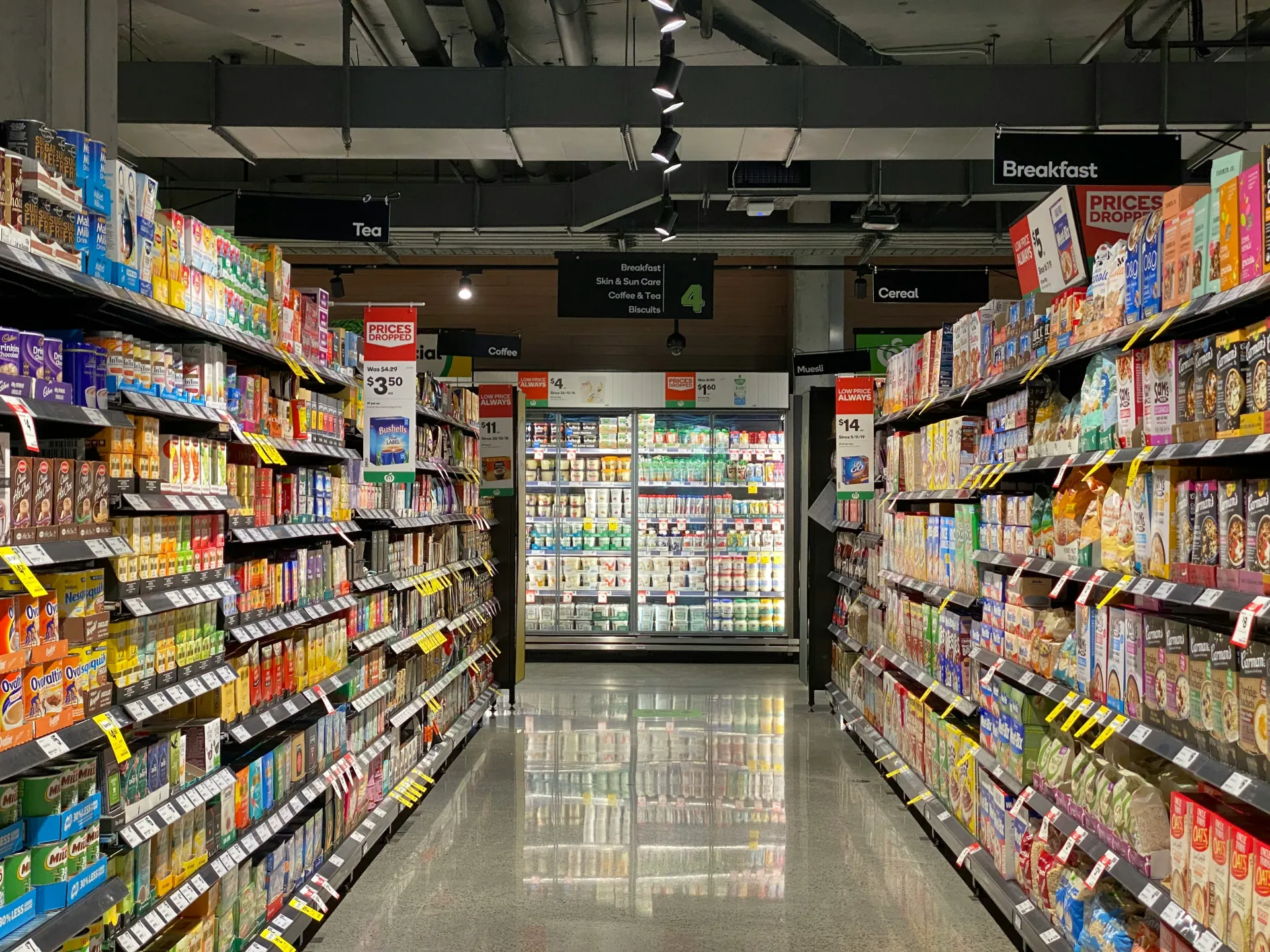
Grocery store

Common problems

What grocery stores run into when they still use a notebook and Excel.

Problem · 01

Excel sales and receivables reports go wrong

Afternoon shift is one person, evening shift another. Cash, bank transfer, and credit sit in the wrong place. After closing you still sit and add Excel.

Excel sales and receivables reports go wrong

Onivaco solution

Sales and receivables reports exported to a file

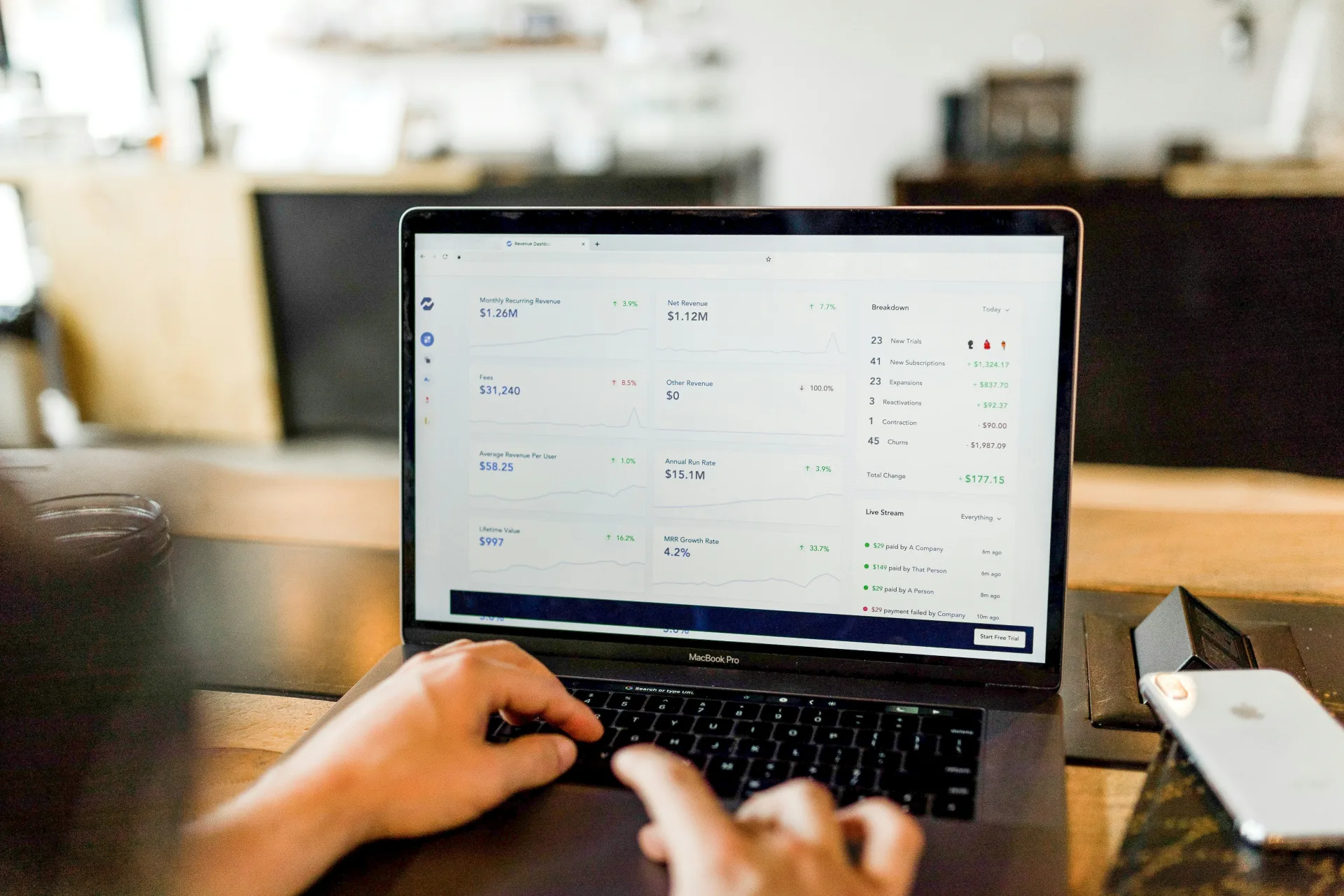
Each order records how it was paid and the customer (if on credit). You view revenue by shift or by day, export sales and receivables reports, and view charts. Match the drawer to the software number — do not guess.

  1. 1 Every sold item becomes a POS order.
  2. 2 If a regular buys on credit, pick the right customer.
  3. 3 At end of day, export the report and match cash.
See sales →
Sales and receivables reports exported to a file

Problem · 02

No clear price list for each kind of customer

Shelf price, regular-buyer price, and promo price live in the cashier’s head. A busy shift means asking the owner while customers wait.

No clear price list for each kind of customer

Onivaco solution

Price lists by customer group

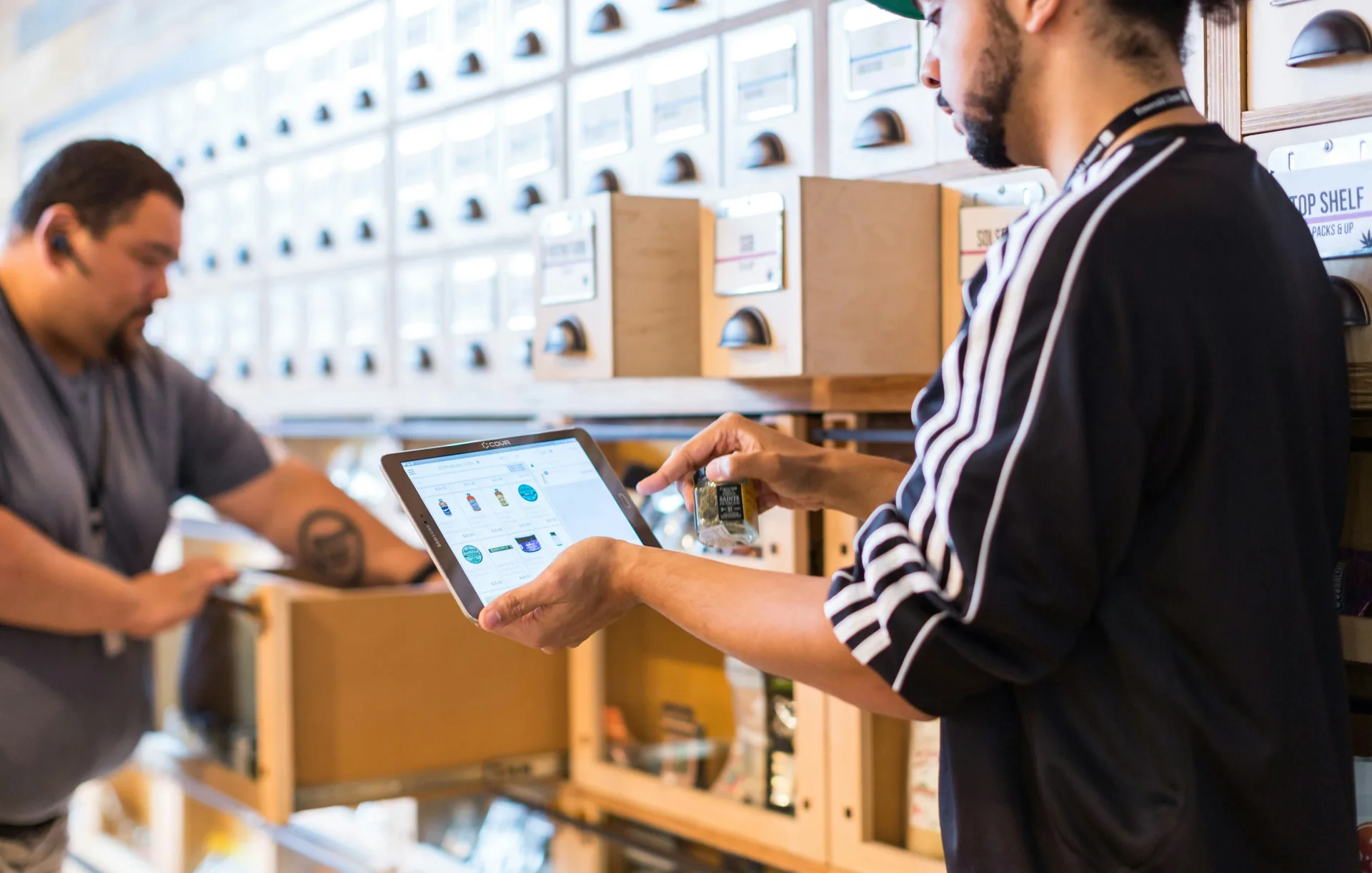
Attach regular, wholesale, or member prices to a customer group. POS uses the right price when you pick the customer. Cashiers do not memorize prices.

  1. 1 Create customer groups and price lists.
  2. 2 Walk-in sales with no customer use the default price.
  3. 3 Pick the regular’s record to get their price.
See POS →
Price lists by customer group

Problem · 03

The shelf does not match the book; you do not know which warehouse still has stock

You have a back warehouse or two locations. Incoming goods go into Excel later. The shelf is empty before you know you are out.

The shelf does not match the book; you do not know which warehouse still has stock

Onivaco solution

Sell across warehouses, stock by location

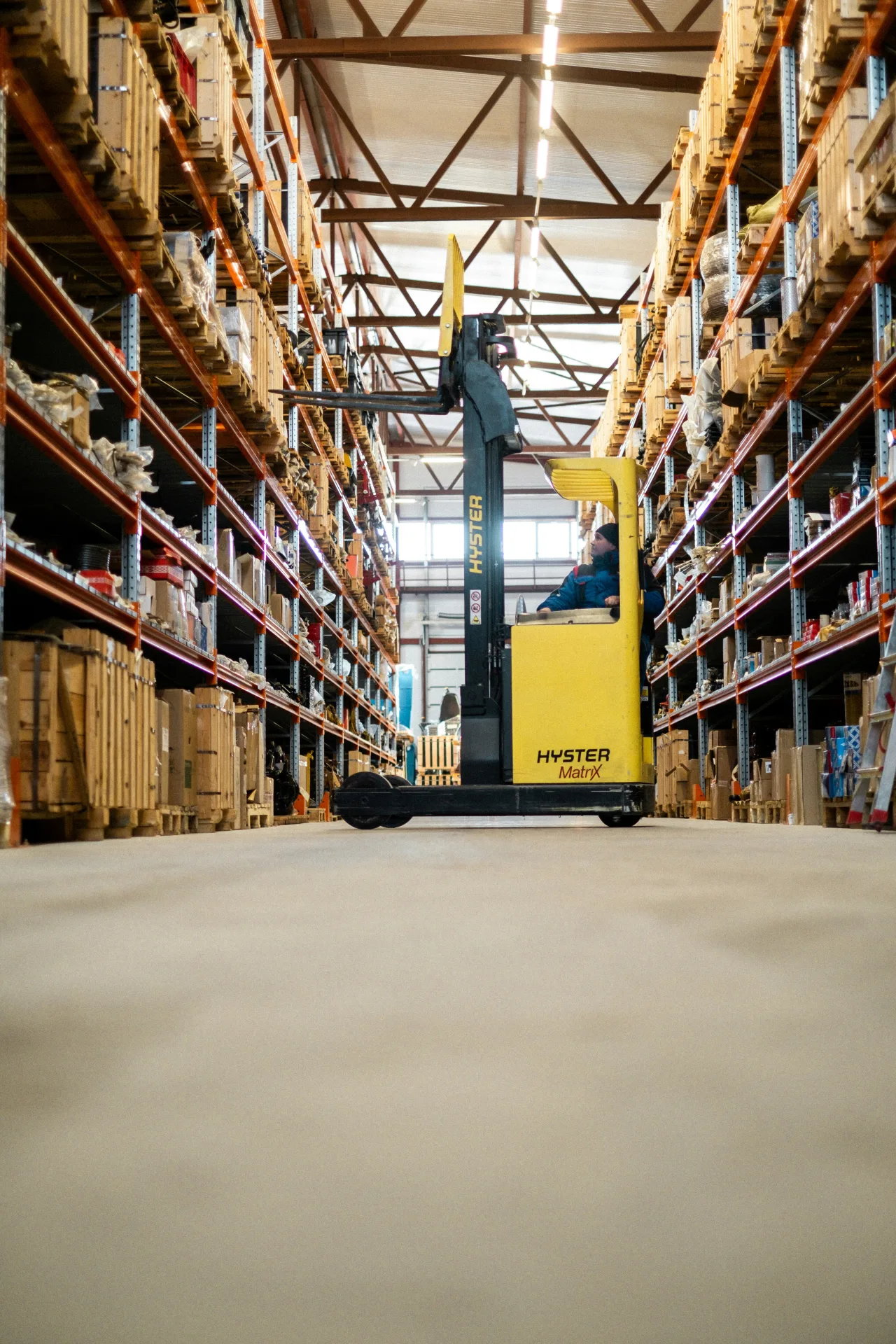
Inbound goods use a slip; sales deduct the right warehouse. You see which items are running low so you can restock in time. Open another location and stock splits; reports split or view together.

  1. 1 Supplier goods arrive: create an inbound slip.
  2. 2 Sell at the correct store.
  3. 3 Check low stock before the shelf breaks.
See warehouses →
Sell across warehouses, stock by location

Problem · 04

Regulars buy on credit, but you do not remember who owns the account

Credit sits on paper. A new cashier does not know what the customer bought last week, or how much they still owe.

Regulars buy on credit, but you do not remember who owns the account

Onivaco solution

CRM for regulars and assigned staff

The customer record has receivables, purchase history, and the staff member caring for them. Credit sales and collections sit on the same customer — not on scrap paper.

  1. 1 Create the regular once.
  2. 2 Assign staff if you split areas.
  3. 3 Collect on the record, do not tear up paper notes.
See customers →
CRM for regulars and assigned staff

What Onivaco already supports for grocery

  • Scan and find items fast

    A busy shift does not type prices by hand.

  • Price lists by customer group

    Regular and wholesale prices stay separate.

  • Stock by warehouse

    Inbound on a slip, sales deduct stock, see items running low.

  • Regular-customer credit

    CRM records credit and purchase history.

  • End-of-day reports

    Export sales and receivables; view revenue charts.

  • Several stores

    Add a location; report each store or the whole chain.

Coming soon

Coming soon: omnichannel sales, e-invoice, digital signature

Some grocery stores take orders on Zalo or Facebook. Onivaco is adding Facebook, Zalo, WhatsApp, TikTok, Shopee plus e-invoice and digital signature. Not open yet. When they launch, online orders land in the same counter book.

  • Facebook, Zalo, WhatsApp

    Message orders into Onivaco — in progress.

  • TikTok and Shopee

    Marketplace orders match counter stock — in progress.

  • E-invoice and digital signature

    Issue e-invoices and sign digitally — in progress.

Read more

Is the grocery store still closing the book in Excel? Send your item count — we will advise Onivaco POS.